
Download CD Archiver – Free CD Management Software, Organize Music and Movies, Digital Media Organizer
Overview
CD Archiver is a free desktop application designed to help users efficiently manage and organize their physical CD and DVD collections. The app addresses the common challenge of disorganized media libraries, where discs are scattered across shelves or storage boxes, making it difficult to locate specific titles. By offering a centralized digital catalog, CD Archiver streamlines the process of tracking music albums, movie DVDs, and other disc-based content. The target audience includes home users, collectors, audiophiles, and anyone with a growing media library who seeks a simple way to maintain order without relying on physical labels or handwritten lists.
Developed by Thomas P. Larson, the application has been available since January 6, 2011, establishing itself as a lightweight solution for digital media management. Although the developer did not provide additional technical details about the project’s evolution or future updates, the app remains functional and accessible as a standalone tool.
Its primary value lies in transforming a cluttered physical collection into a searchable, structured digital archive. This functionality is especially useful for users who want to preserve the integrity of their media while improving access speed and reducing physical searching time. In the broader context of digital organization tools, CD Archiver fills a niche for users who still maintain physical media but desire a modern, efficient way to manage it.
Key Features & Functionality
- User-Friendly Interface: The app features an intuitive layout that allows users of all technical levels to navigate and manage their collections with minimal learning curve. The clean design ensures that essential functions are accessible without confusion.
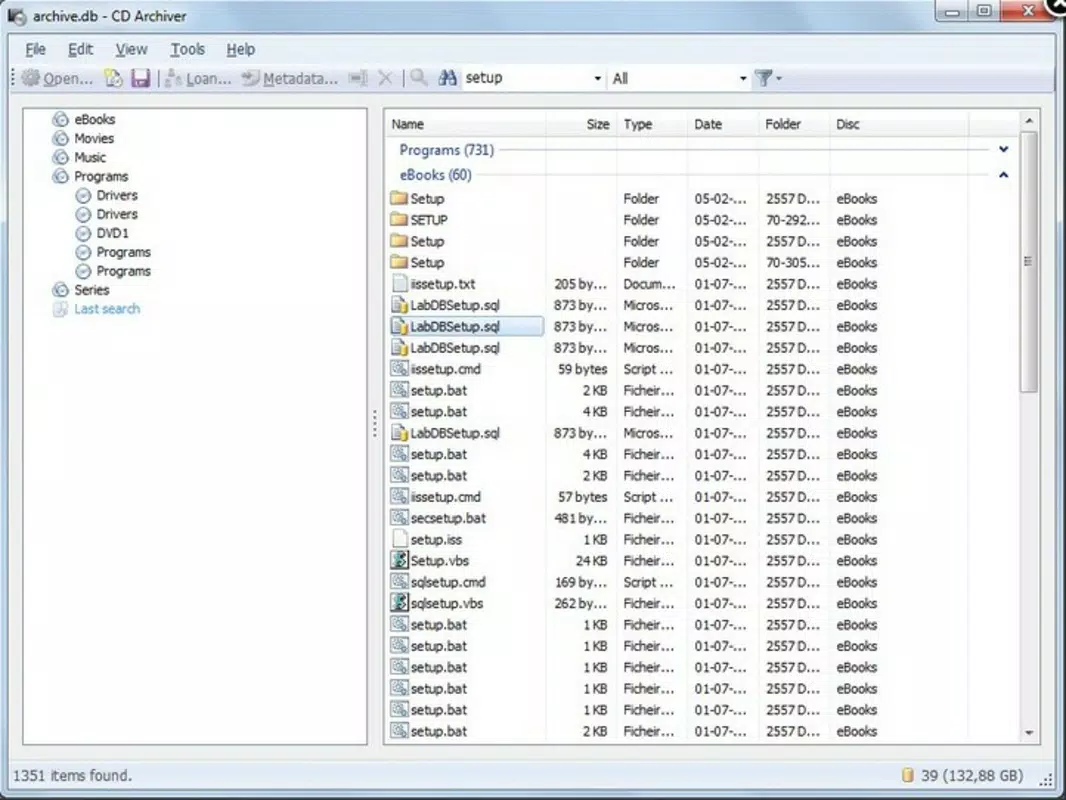
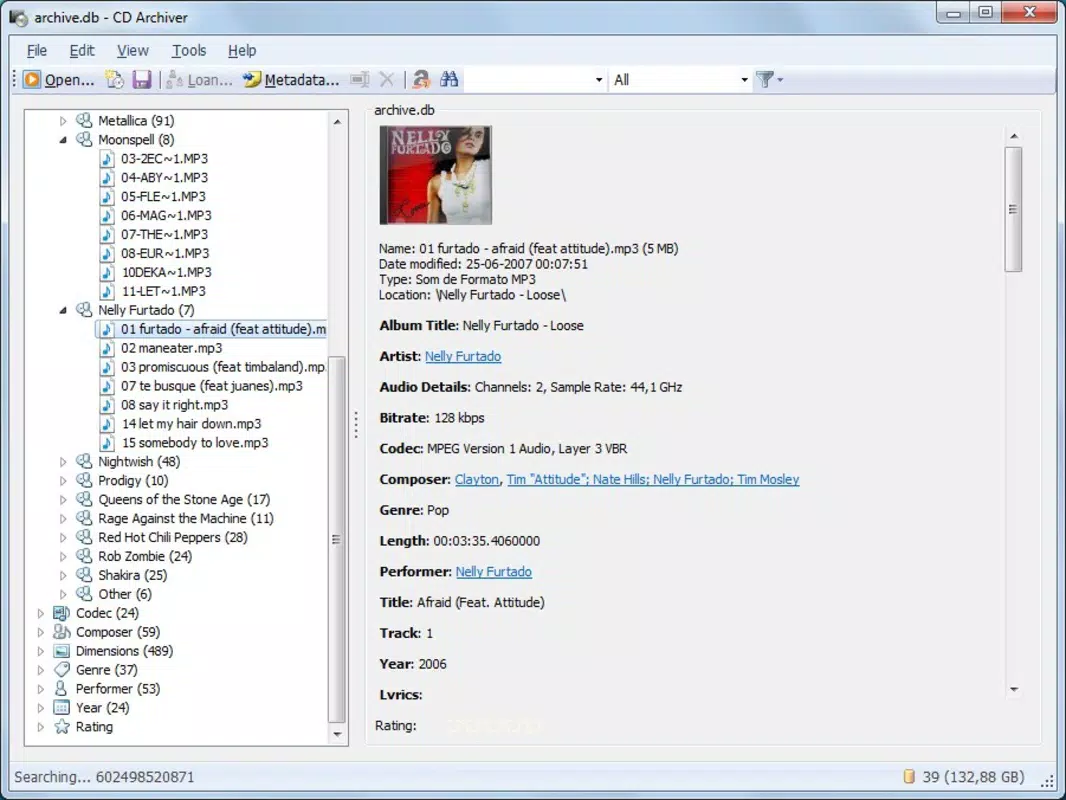
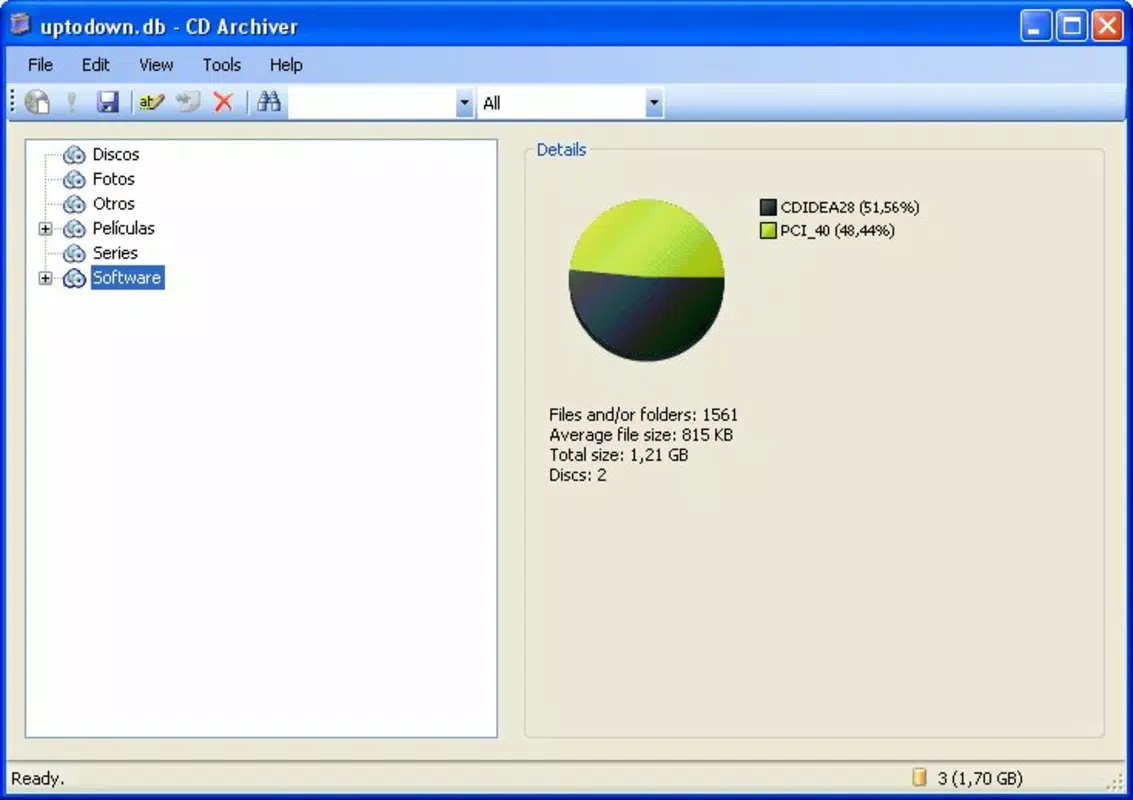
- Category Tree Browser: This tool enables users to organize discs by genre, type, artist, or custom categories. The hierarchical structure simplifies browsing and makes it easy to locate content within specific groupings.
- Quick Search Functionality: By typing a title, artist, or keyword, users can instantly retrieve matching entries from the catalog. This feature significantly reduces the time spent searching through physical discs.
- Complete Cataloging Features: Users can input detailed metadata for each disc, including title, artist, year, genre, and notes. This comprehensive data entry supports long-term organization and future reference.
- Free to Use: The application is available at no cost, making it a highly accessible solution for individuals seeking to digitize their media without financial investment.
For example, a user with a collection of 200 music CDs can categorize them by artist and genre, then search for “Queen” or “Rock” to instantly view all related albums. Similarly, a film enthusiast can tag movies by director or release year and quickly find a specific title without flipping through cases. These real-world applications demonstrate how CD Archiver enhances both usability and accessibility in personal media management.
Interface, UX & Performance
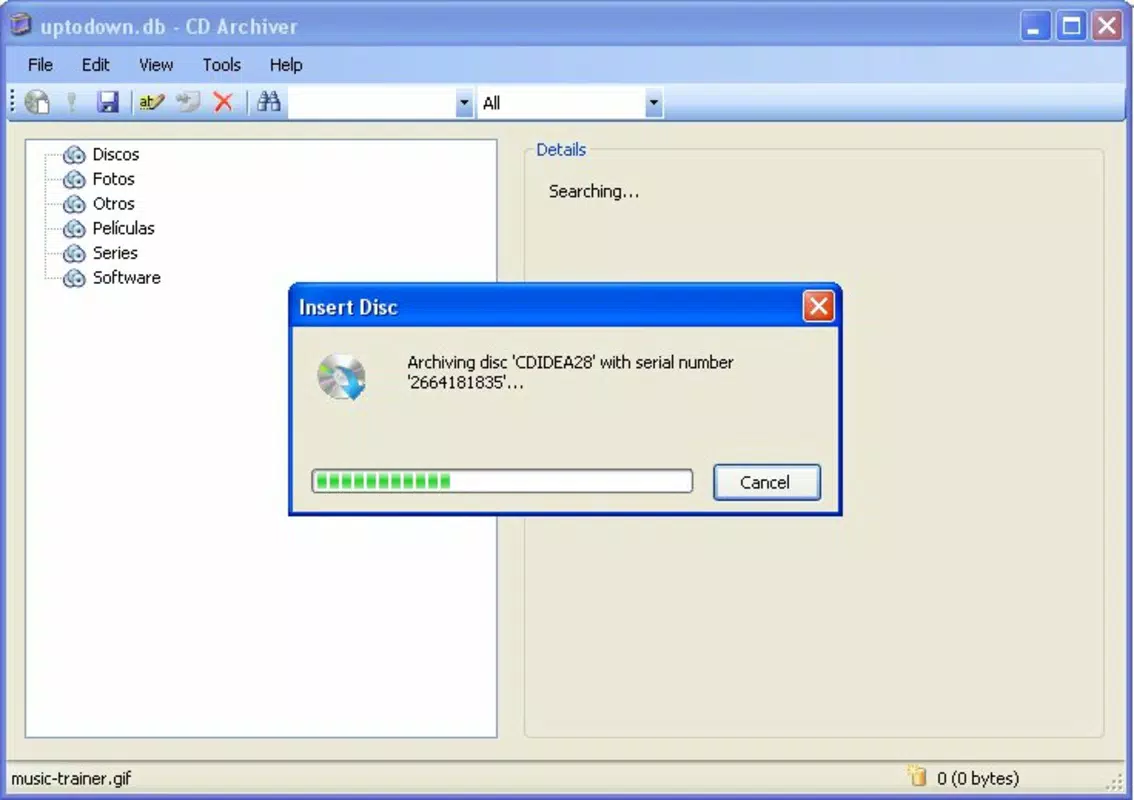
CD Archiver presents a straightforward and visually uncluttered interface, emphasizing functionality over decorative elements. The layout is designed for efficient data entry and navigation, with clearly labeled sections for cataloging and browsing. Users can access the category tree on the left side and view disc entries in a list format on the right, enabling a seamless workflow. Navigation is linear and predictable, reducing cognitive load and minimizing user errors.
Although the developer did not list formal performance metrics, the app’s lightweight file size of 2.1 MB suggests optimized resource usage. It is likely to run smoothly on older or low-spec Windows systems, making it accessible to a wide range of users. The responsiveness of the search function appears to be immediate, as indicated by user reports, and the application maintains stability during routine use.
However, specific requirements for RAM, CPU, or display resolution were not disclosed. Compatibility with modern Windows versions beyond the original release date has not been confirmed, but the app’s minimal footprint increases the likelihood of continued functionality. Overall, the user experience prioritizes simplicity and speed, aligning with the needs of users seeking a no-frills media organizer.
Platform Compatibility & Technical Requirements
CD Archiver is designed for the Windows operating system. The current version is 1.0, and the file size is 2.1 MB, indicating a compact and lightweight application. The developer did not specify minimum OS requirements, nor did they list supported Windows versions beyond the platform. As such, compatibility with newer Windows releases (e.g., Windows 11) cannot be confirmed based on available information. Similarly, no details were provided about hardware requirements such as processor speed, RAM, or disk space beyond the file size.
Users should exercise caution when installing on modern systems, as older applications may encounter compatibility issues or lack support for newer security protocols. The absence of a download link or official distribution channel in the provided data also raises questions about the current availability and update status of the software. Despite this, the app’s small footprint and standalone nature suggest it may still function on compatible systems without requiring installation of additional frameworks.
Pros and Cons
- Free to use with no hidden costs or in-app purchases
- Lightweight and fast, suitable for older or low-spec systems
- Intuitive interface designed for users of all experience levels
- Quick search and category browsing enhance accessibility
- Supports detailed cataloging of disc metadata
- Release date indicates the app is over a decade old; may lack modern features
- Developer did not provide updated compatibility information
- No official update or support channel listed
- Platform is limited to Windows; no mobile or cross-platform availability
- File size and version details suggest minimal development activity since 2011
FAQ
Is CD Archiver safe to download and install?
CD Archiver is a free desktop application developed by Thomas P. Larson. While the developer did not provide a verified download source, its small file size and lack of known malware signatures suggest it is likely safe. Users should only download from trusted third-party sites and scan the file with antivirus software before installation.
Can I use CD Archiver on Windows 11 or Windows 10?
The developer did not specify supported Windows versions. However, due to its lightweight nature and lack of modern dependencies, it may run on Windows 10 and Windows 11 systems. Users should test compatibility on their device and consider running the app in compatibility mode if issues arise.
Does CD Archiver support mobile devices?
No, CD Archiver is designed exclusively for Windows desktop systems. There is no mobile version available for Android or iOS devices. Users seeking cross-platform functionality may need to explore alternative solutions.
Is CD Archiver regularly updated?
Based on the release date of January 6, 2011, and the absence of any version updates or changelog, it appears the app has not been actively maintained. Users should expect no new features or security patches.
Can I export or back up my CD collection data?
While the developer did not provide specific details about export or backup features, the app’s cataloging system likely stores data in a local file. Users are advised to manually back up this file to prevent data loss, especially if the application is no longer supported.
Final Thoughts
CD Archiver remains a functional and accessible tool for users who need to organize physical CD and DVD collections on Windows. Its simplicity, free access, and efficient search and categorization features make it a practical choice for hobbyists and collectors. While the app’s age and lack of updates are notable limitations, its lightweight design and clear purpose ensure it still delivers value for its intended use case. For individuals with a growing media library who prefer a no-frills, desktop-based solution, CD Archiver offers a reliable way to bring order to physical discs. Download CD Archiver now


